SwiftKey
Keyboard-driven Productivity for macOS
Launch apps, run commands, and control your Mac with elegant simplicity.
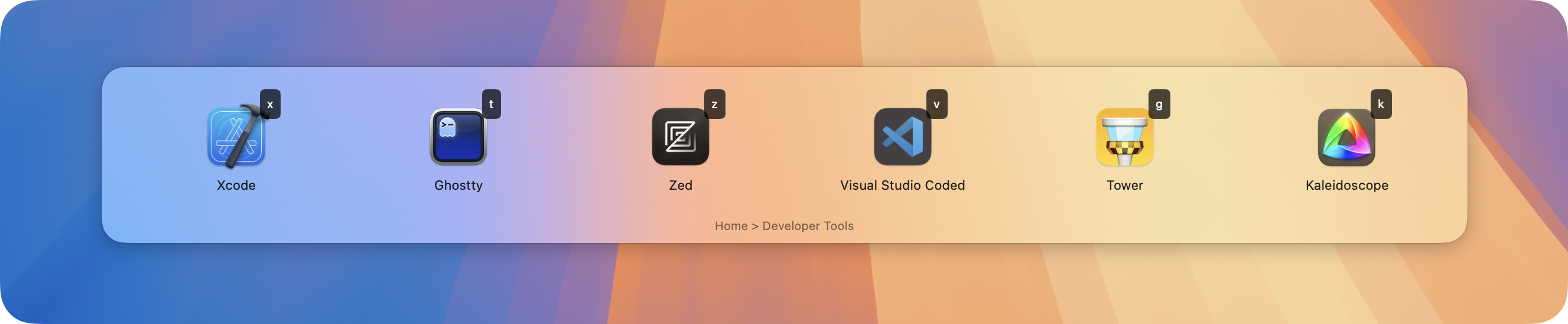
Multiple Interface Styles
Choose the launcher style that fits your workflow
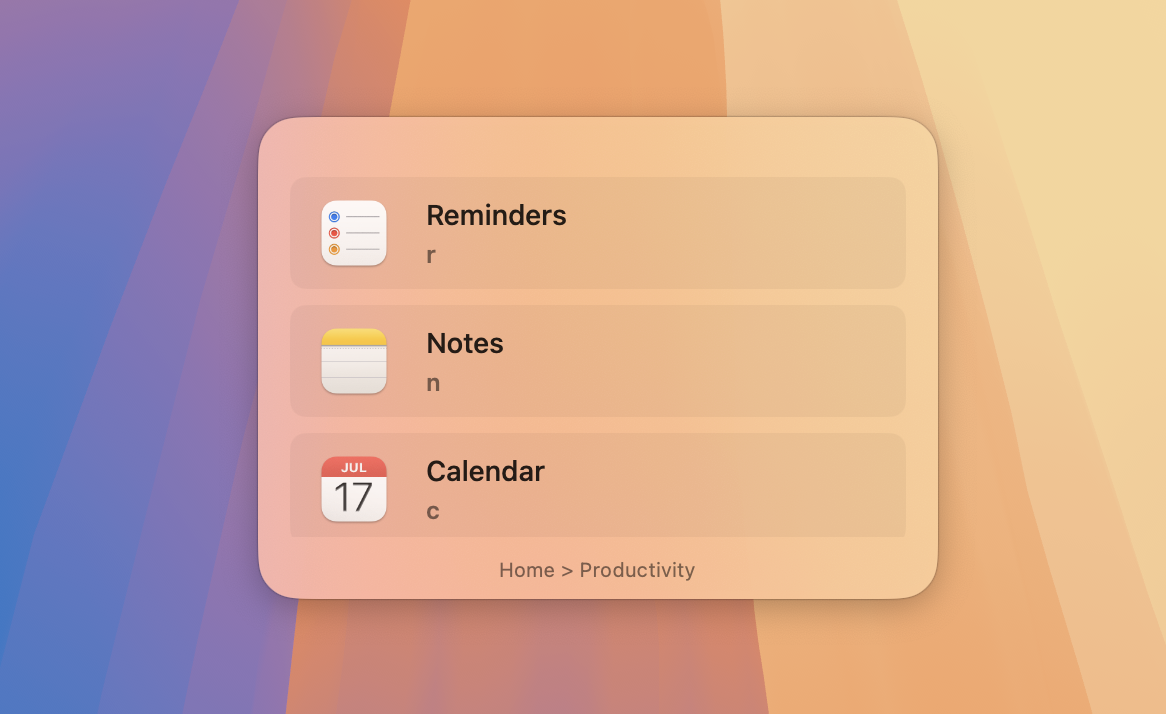
Panel
Clean, centered launcher panel perfect for quick access

HUD
Heads-up display for minimal visual disruption
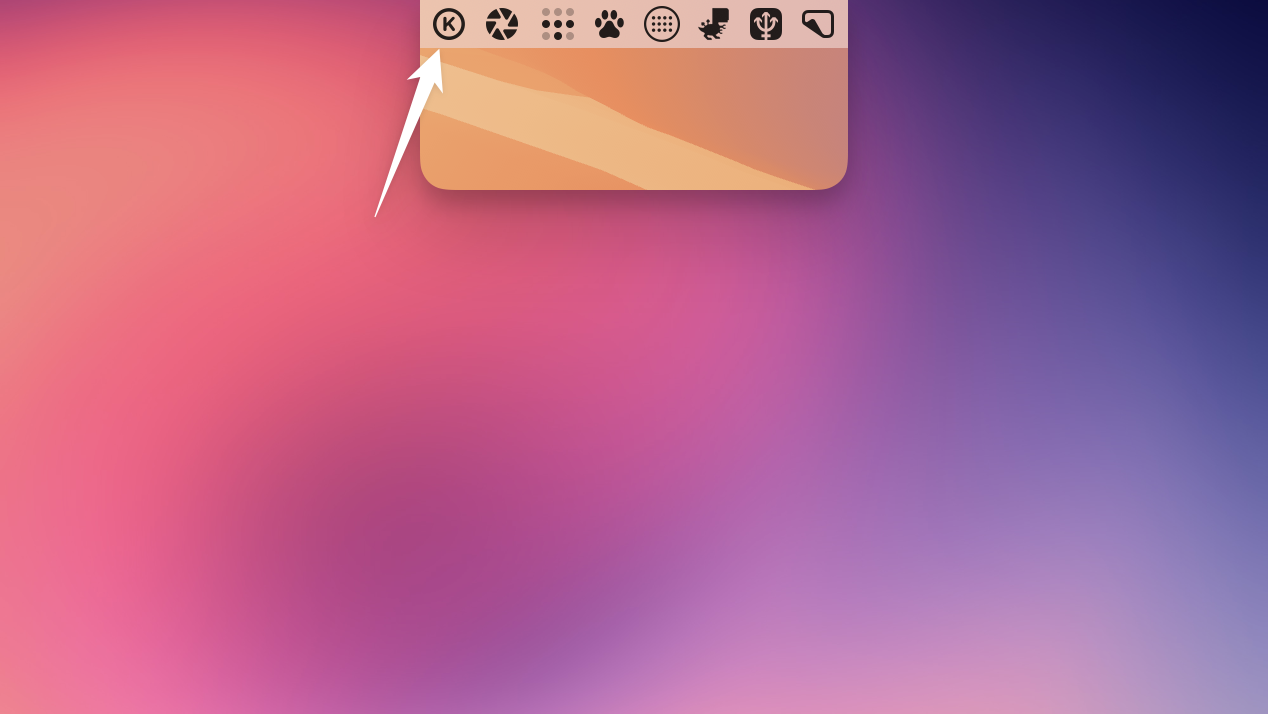
Menu Bar
Always accessible from your Mac's menu bar
Toast
Subtle notifications for quick feedback
YAML Configuration
Simple, readable configuration that's easy to customize
# ~/.swiftkey/config.yaml
- key: "m"
  icon: "message.fill"
  title: "Messaging"
  submenu:
    - key: "s"
      title: "Slack"
      action: "launch:///Applications/Slack.app"

- key: "a"
  icon: "square.stack.3d.up"
  title: "Apps"
  submenu:
    - key: "c"
      title: "Code Editor"
      action: "launch://com.microsoft.VSCode"
      icon: "chevron.left.forwardslash.chevron.right"

    - key: "t"
      title: "Terminal"
      action: "launch://com.apple.Terminal"
      icon: "terminal"

    - key: "b"
      title: "Browser"
      action: "launch://com.google.Chrome"
      icon: "globe"
Powerful Features
Lightning Fast
Native macOS app with instant response times
SF Symbols
Beautiful native icons that match your system
Highly Hackable
Customize everything through simple YAML files
Keyboard First
Single-key triggers for maximum efficiency
Dynamic Menus
Generate menus on-the-fly based on context
Privacy Focused
No tracking, no analytics, no phone home
Action Types
launch://
Launch any macOS application by bundle ID
open://
Open URLs, files, or folders
shell://
Execute shell commands and scripts
shortcut://
Run Apple Shortcuts directly
dynamic://
Generate menus dynamically from scripts
Quick Start
Install via Homebrew
brew install --cask swiftkey
Create Config
mkdir ~/.swiftkey
touch ~/.swiftkey/config.yaml
Launch SwiftKey
Set your global hotkey and start using it!
System Requirements
- macOS 15.0 (Sequoia) or later
- Apple Silicon or Intel Mac
- MIT License - Free forever
Ready to Take Control?
Join the community of power users who've made SwiftKey their launcher of choice